November 16, 2026
No Heat on the First Cold Night? 3 Checks to Try, Then Get It in Writing
Thermostat, furnace switch, and filter: three five-minute checks before you call, when to stop, and how a portal request keeps your repair from getting lost.
No Heat on the First Cold Night? 3 Checks to Try, Then Get It in Writing
The Upstate just had its first frost of the season, and every year the first cold night brings the same call: "The heat isn't working." Sometimes the furnace really has failed. A lot of the time, though, it's something you can fix in five minutes. Here's what to try first, when to stop, and how to report it so your request never gets lost.
The 3 checks to try first
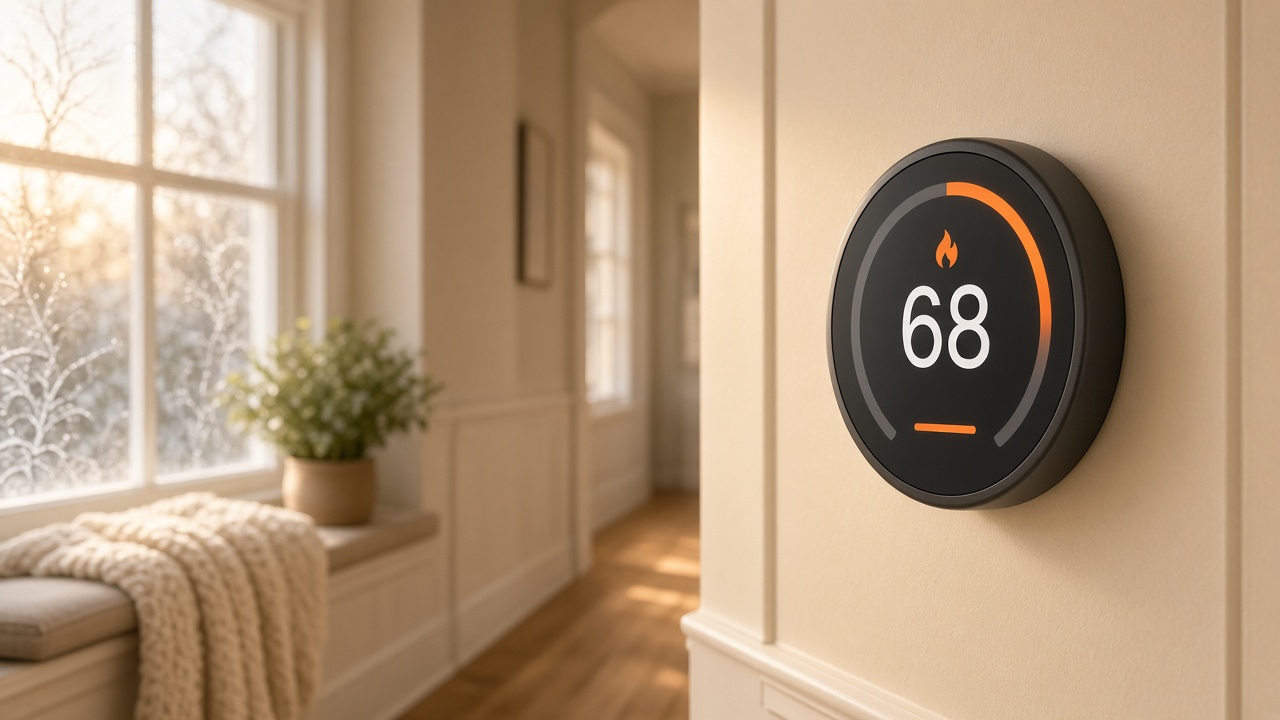
1. The thermostat. Make sure it's set to Heat (not Cool or Off) and set a few degrees above the room temperature. If the screen is blank or dim, replace the batteries. A dead thermostat battery is the most common "broken furnace" we see.
2. The furnace switch and the breaker. Most furnaces have a power switch that looks like a regular light switch, usually on the wall near the unit or in the hallway by the closet. It's easy to bump off. Then check your breaker panel for a tripped breaker labeled furnace, HVAC, or air handler, and flip it fully off and back on.
3. The air filter. A clogged filter can make the system overheat and shut itself off. If the filter is gray and you can't see light through it, swap it out. (We mentioned this one in our post on how we use AI in property management, because it fixes so many heat calls.)
Give the system 10 to 15 minutes after each check.
If it starts, then quits after 30 seconds
If the furnace kicks on, runs briefly, and shuts off again, stop there. That usually points to a safety sensor or ignition problem inside the unit, which needs a licensed technician, not another battery swap. Don't keep resetting it.
What counts as an emergency
- No heat when it's below freezing outside. Mark your request as an emergency.
- Any smell of gas. Don't flip switches or try to restart anything. Leave the house first, then call your gas company's emergency line and 911. Tell us after you're safe.
Why a portal request beats a text
A text to a phone number can get missed. A maintenance request in your Ascent Homes portal:
- is dated the moment you send it,
- holds your photos so the technician knows what they're walking into,
- lets you mark it as an emergency, and
- shows its status as it moves along (Under Review, Scheduling a visit, Work completed), so you always know where things stand.
If we need more information, we'll message you right on the request, so the whole history stays in one place. A photo of the thermostat screen and the breaker panel saves a lot of back and forth.
Leaving town for Thanksgiving?
Empty houses are where pipes freeze. Before you leave:
- Keep the heat on and set to at least 55°F.
- Open the cabinet doors under the kitchen and bathroom sinks so warm air reaches the pipes.
- Let us know through the portal that the home will be empty, and when you'll be back.
Don't hold back rent to get attention
It can be tempting when you're cold and frustrated, but withholding rent can put your lease at risk and doesn't get the furnace fixed any faster. A dated, documented request is what protects you, and it's what gets the repair moving.
Heat acting up? Log in to your Ascent Homes portal, submit a maintenance request, add a photo of your thermostat, and follow every update in one place.